
CREATORS & VENDORS / YOUR STARTING GUIDE
BUILD YOUR SHOP.
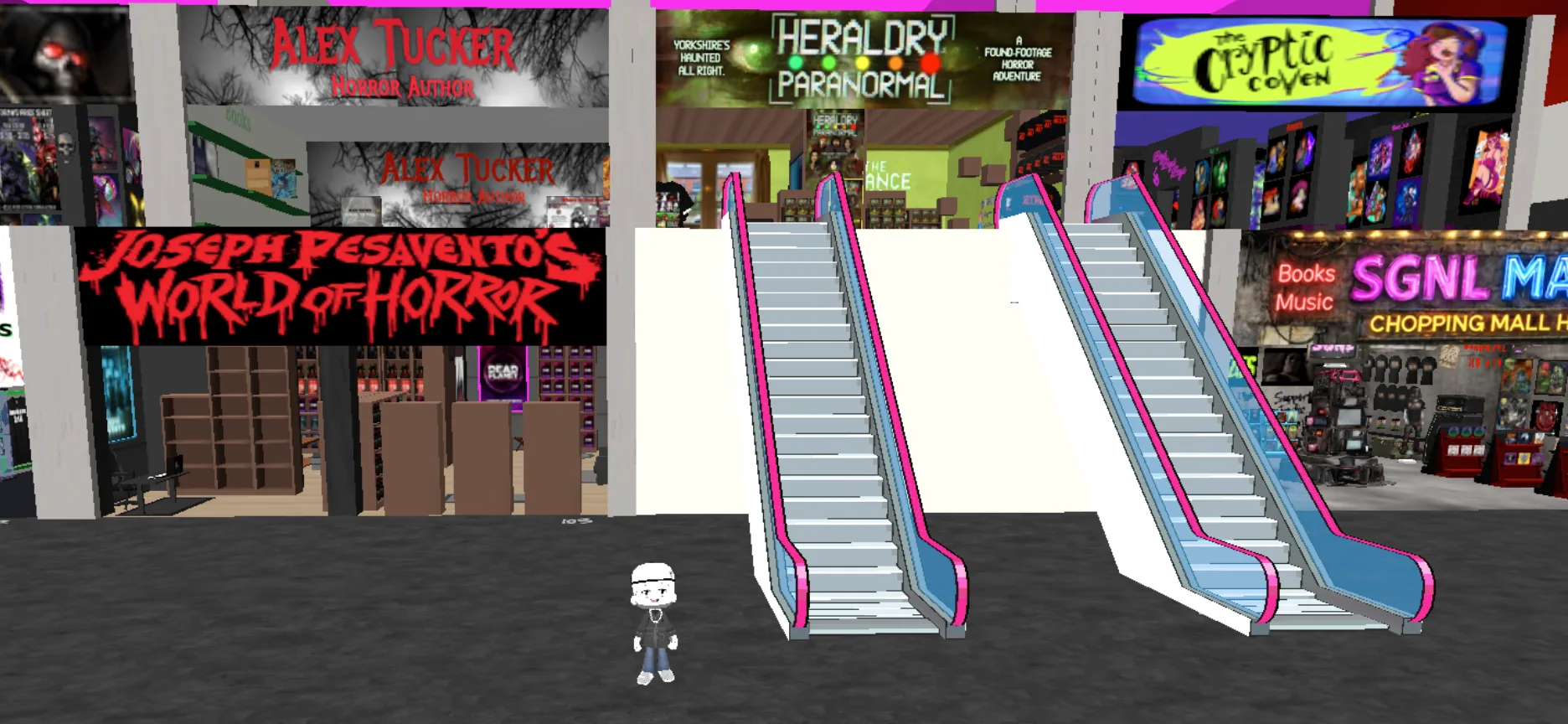
Create your free marketplace account, set up your virtual shop in Spots, and add your products. When your space is ready, tell us—we’ll add it to the SGNL Chopping Mall.
SET UP YOUR SHOP IN THREE STEPS
1SET UP YOUR FREE MARKETPLACE ACCOUNT
Your free Sharetribe account is where you manage product listings, orders, and payments.
Open the signup page and choose Provider under User type.
The marketplace account is separate from the Discord/Spots experience below.
Enter your email, first and last name, display name, and password. Accept the terms and select Sign up.
Check your inbox, click Verify email, and return to sign in.
2SET UP YOUR VIRTUAL SPACE
Spots is the interactive side of the SGNL Chopping Mall, powered by Discord. ALKMY has a dedicated guide to help you launch Spots and request vendor access.
Open ALKMY's Claim Your Spot guide and choose Launch Spots to begin in Discord.
In Spots, open Settings → Info and find your Spots User ID.
Return to ALKMY and select Apply for a Vendor Account. Follow their instructions to get access to your own space.
Customize your virtual shop with your name, branding, and creative work. Take your time—you can refine the space before asking us to add it to the mall.
TWO PARTS, ONE SHOP
Sharetribe manages your products and payments. Spots is your interactive virtual storefront. After you finish your space, SGNL adds it to the mall.
3ADD YOUR FIRST PRODUCT
Return to the marketplace to add the products or services you want visitors to discover. Stripe handles secure payout setup when you publish your first listing.
Sign in to the marketplace and select Post a new listing.
Choose a listing type, category, and subcategory. Add a clear title and description.
Enter a price, upload product images, and complete stock or delivery options, including shipping when applicable.
When prompted, choose your payout account type and country, click Save details, then Get verified. Follow Stripe's instructions and review your published listing.
YOUR LISTING
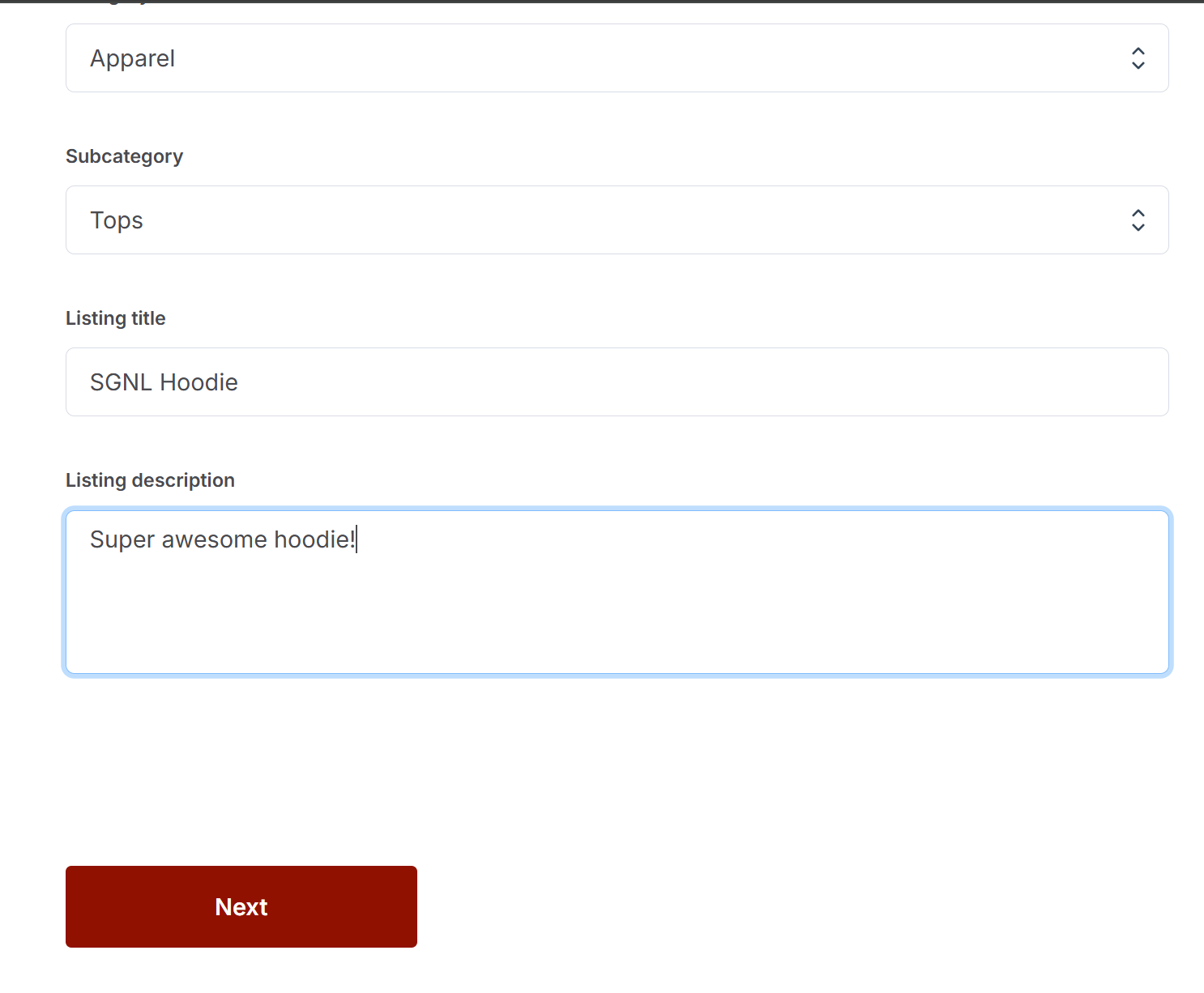
Example product listing form. Tap to enlarge.
PAYMENT SETUP

Stripe opens when you first set up payouts. Options depend on your location.
A NOTE ABOUT STRIPE
Stripe securely handles payments and sends your earnings to your bank account. The verification questions can vary by country and whether you register as an individual or a business. Follow the instructions Stripe gives you.
STRIPE SETUP HELP ↗READY TO JOIN THE MALL?
Once your Spots shop is finished, email us your shop name and Spots User ID. We'll add your space to the SGNL Chopping Mall and let you know when it's ready for visitors. Need help along the way? We're here for you.
MY SHOP IS READY — EMAIL SGNL ↗