
FANS & EXPLORERS / YOUR STARTING GUIDE
STEP INSIDE THE MALL.
A simple guide to your first visit. Sign in to Discord, enter Spots, set up your avatar, and take your first walk through the SGNL Chopping Mall.
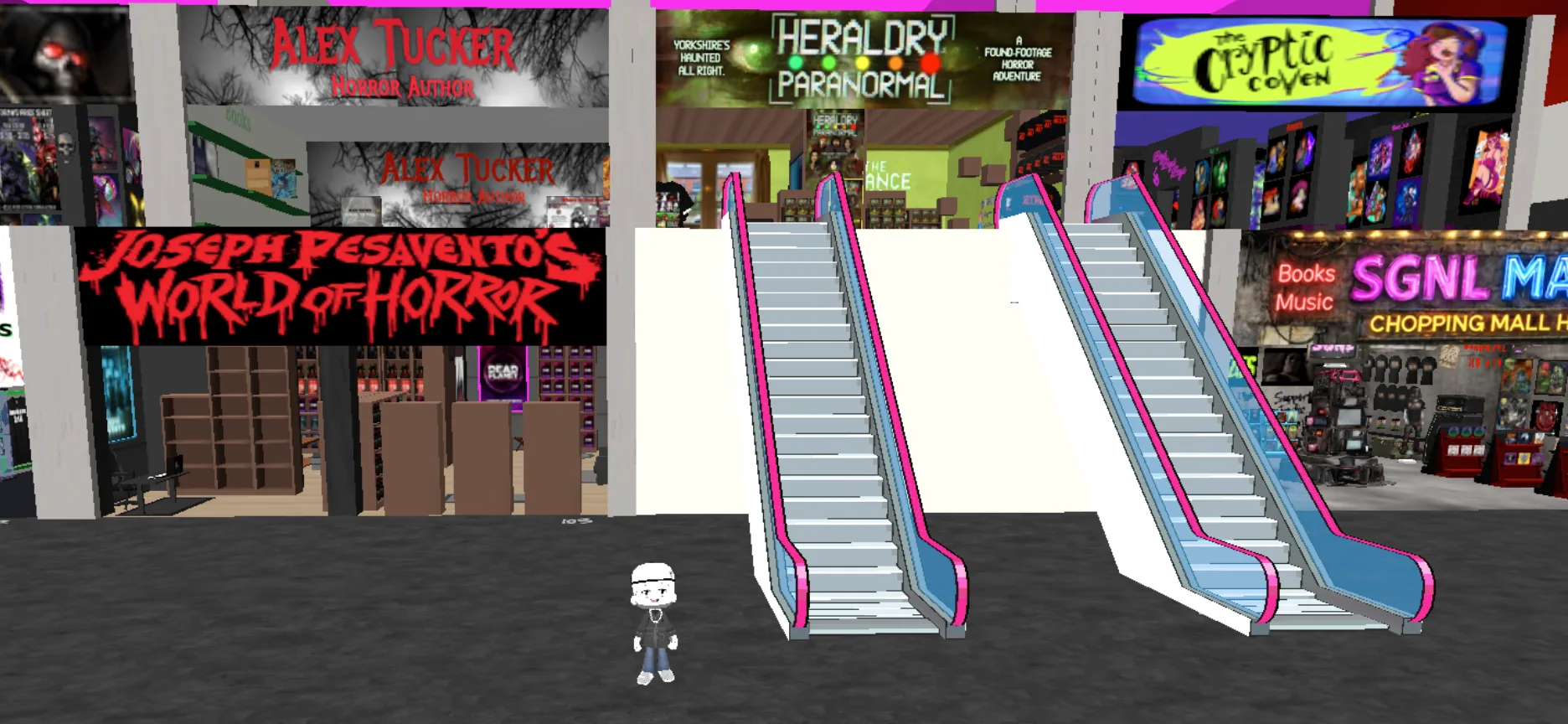
ENTER THE MALL IN THREE STEPS
1SIGN IN TO DISCORD
You'll need a free Discord account to enter Spots. Sign in if you already have one, or create an account to get started.
Select Create a Free Account or Sign In to Discord below.
If you created a new account, verify your email when prompted, then sign in.
Keep this guide open while you enter the mall. A desktop or laptop is the easiest choice for your first visit.
Entry to the mall is free. Individual products, screenings, or ticketed events may have separate prices.
2ENTER SPOTS AND SET UP YOUR AVATAR
Your avatar is the character that represents you inside the SGNL Chopping Mall. Take a moment to set it up before you start exploring.
Select ENTER THE MALL below. Discord may ask you to open or authorize the Spots activity.
When Spots asks you to set up your avatar, choose a character and customize it using the on-screen prompts. Finish the setup before exploring.
Let the environment load. If you arrive in a welcome or starter room, follow the on-screen directions toward the mall.
3TAKE YOUR FIRST WALK
There's no rush. Spend a minute getting comfortable with the controls, then explore the shops, galleries, and experiences at your own pace.
On a computer, try W, A, S, D to move and your mouse to look around. If Spots displays different controls, follow those prompts.
Move toward a shop, gallery, or portal that interests you. Follow any prompts to open a door, visit a creator space, or view a product.
During events, you may also find Discord voice channels for screenings and conversations. Join when you're ready — you're welcome to look around first.
If the interactive experience doesn't open on your phone, try the same link on a desktop or laptop.
STUCK AT THE DOOR?
No problem. Tell us which step stopped you and what appeared on your screen, and we'll help you get inside.
SUPPORT